
Reading: Notes & Scan Guide
Using Notes & Scanning Documents
Tired of losing paper forms or business cards? You can take notes and scan real documents using your iPhone. This lesson teaches you how to use Notes like a pro.
Notes
Scan Documents
Folders
Review
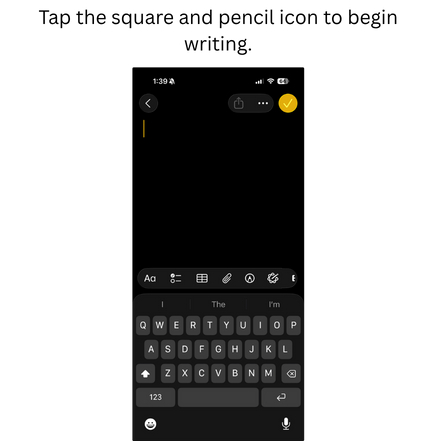
- Open Notes app
- Tap new note icon
- Use the keyboard to type
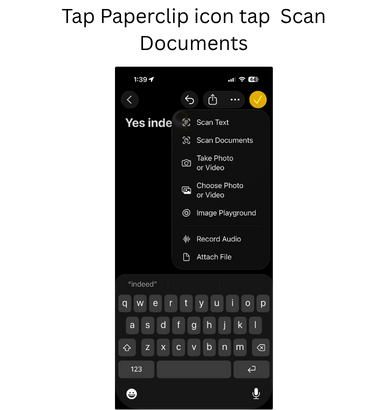
- Tap camera icon > Scan Documents
- Position document > tap shutter button
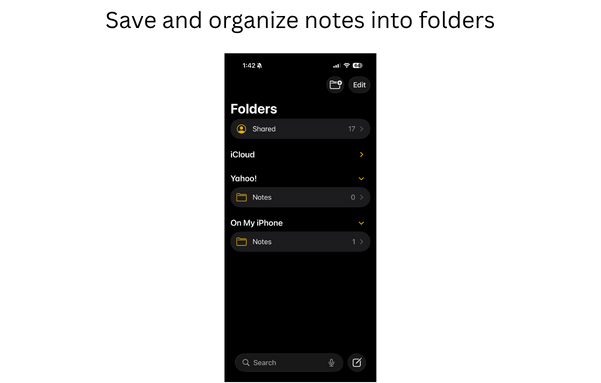
- Save to folders (optional)