
Reading: 2FA Setup Guide
Understanding Two-Factor Authentication (2FA)
Two-Factor Authentication adds an extra lock to your digital life. In this lesson, we’ll show you how to turn it on and why it protects your Apple ID, messages, and accounts.
Password & Security
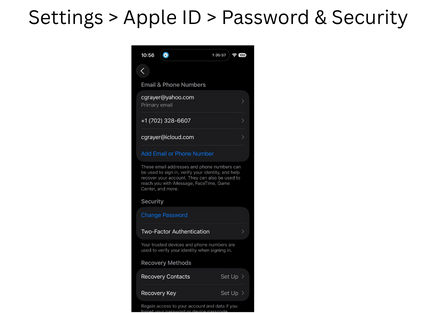
Passcode
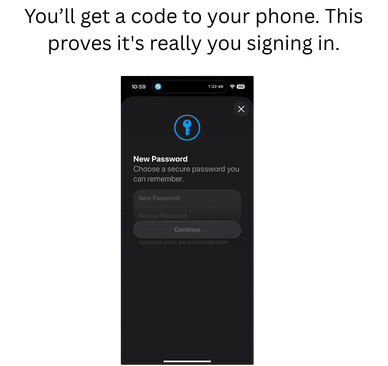
New device sign in
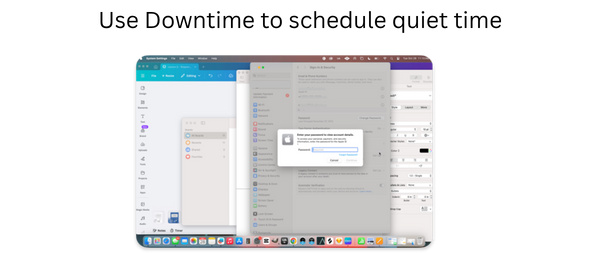
Review
- Open Settings > [Your Name] > Password & Security
- Tap Turn On Two-Factor Authentication
- Add a trusted phone number
- Apple will send a 6-digit code each time you log in on a new device
- Enter code to verify your identity