
Reading: Contacts Made Simple
Creating and Managing Contacts
In this lesson, we’ll teach you how to create a contact so you don’t need to memorize phone numbers. You’ll also learn how to edit contact info, delete old contacts, and label them for easy access — all using your iPhone’s Contacts app.
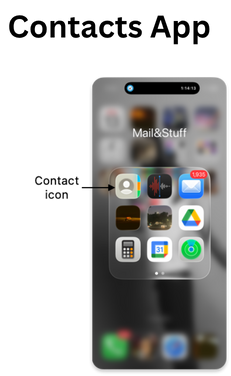
Adding Contacts

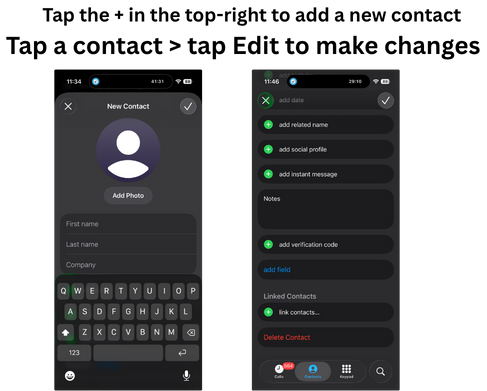
Review
- Open the Phone app and tap Contacts
- Tap the + in the top-right to add a new contact
- Enter a name, phone number, and email
- Tap Done to save
- Tap a contact > tap Edit to make changes
- To delete, scroll down and tap Delete Contact