
Reading: File Management Basics
Managing Files with the Files App
The Files app is like a digital filing cabinet. In this lesson, you’ll learn how to find files, organize them in folders, and store them safely — on your device or in iCloud.
Files App
Review
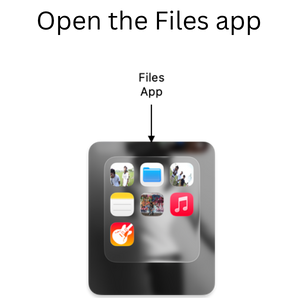
- Open the Files app
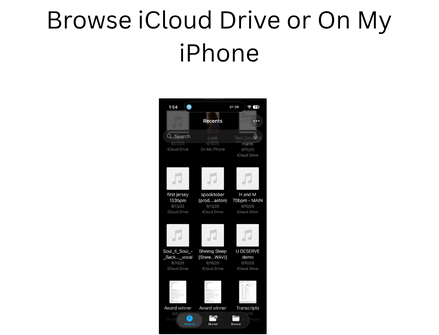
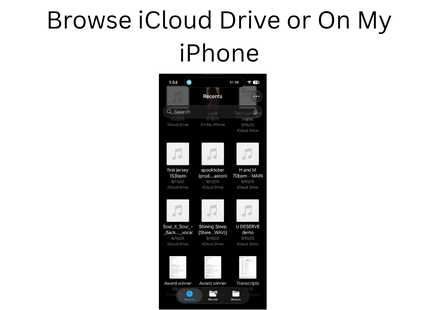
- Browse iCloud Drive or On My iPhone
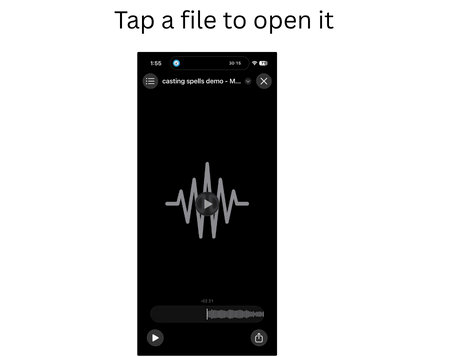
- Tap a file to open it
- Tap and hold to see options: Move, Copy, Delete, Share
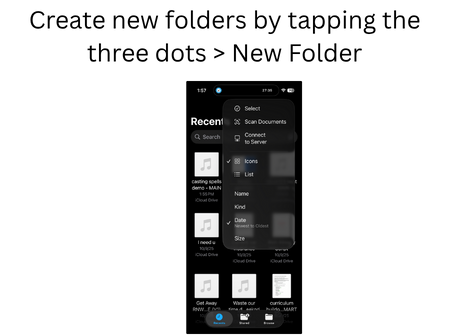
- Create new folders by tapping the three dots > New Folder