
Reading: Directions Made Simple
Using Apple Maps for Navigation & Transit
Need directions or help getting around the city? This lesson shows you how to use Apple Maps to walk, drive, or ride public transportation.
Maps
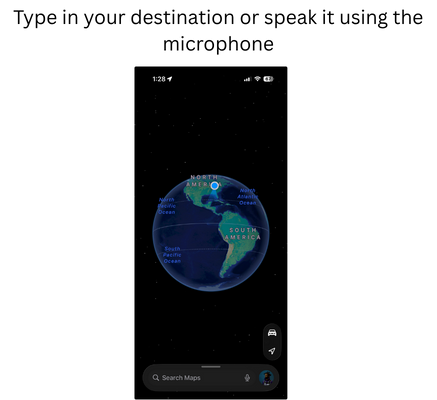
Directions
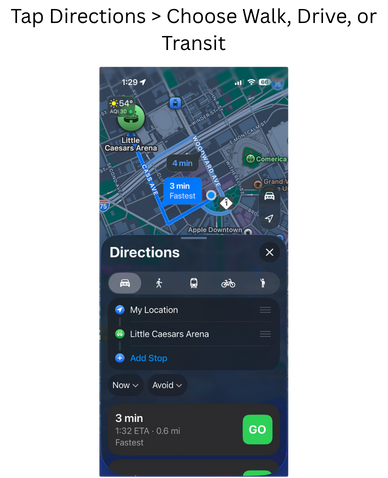
Start Navigation

Review
- Open Apple Maps
- Tap the search bar, enter your destination
- Tap Directions
- Choose Walk, Drive, or Transit
- Tap Go to start real-time navigation
- Use speaker icon for audio directions