
Reading: Photo Basics
Taking, Editing, and Sharing Photos
Taking a good picture is easy with your iPhone. In this lesson, you’ll learn how to take photos, use basic editing tools, and share pictures with others. Whether it’s for work, family, or documents — you’ll know how to handle your camera like a pro.




Review
- Open the Camera app
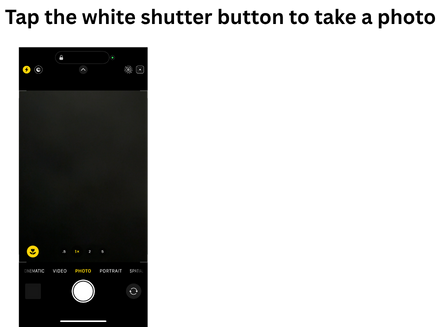
- Tap the white shutter button to take a photo
- Open Photos app to view your image
- Tap Edit to crop, adjust brightness, or add filters
- Tap the Share icon (box with arrow) to send via text, email, or AirDrop