
Reading: Storage Management Steps
Managing Storage on Your iPhone
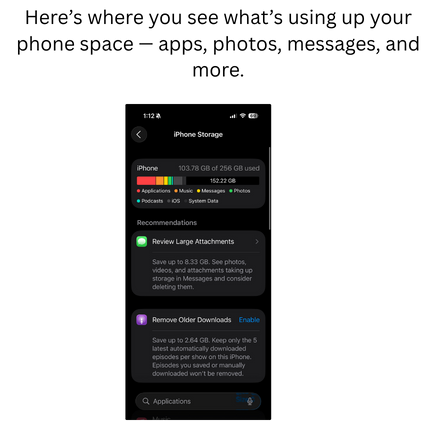
Running out of space on your iPhone? In this lesson, we’ll show you how to check storage, delete unused apps, and clean out downloads to keep your phone running smoothly.
iPhone stoarge
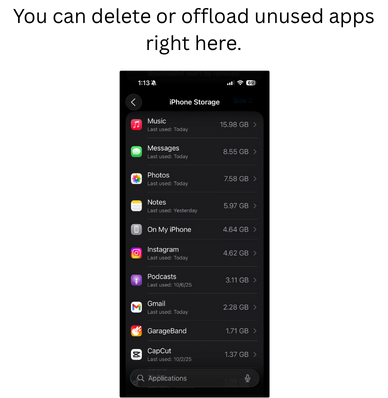
App List
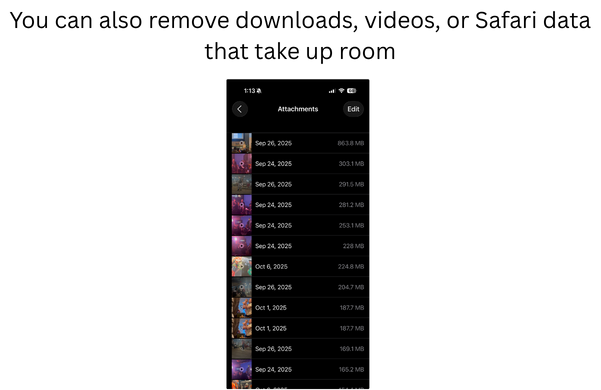
Large Attachments
Review
- Go to Settings > General > iPhone Storage
- Tap on apps you no longer use → Delete App or Offload App
- Scroll down to review media and messages
- Tap Review Large Attachments
- Delete Safari history under Settings > Safari > Clear History